How it works
Collab keeps track of the context you'd otherwise carry around: what's due, what you're watching, and what your agents just touched. You open it, see where things stand, and decide. It comes in four parts, in the order you'd use them.
01 · Home
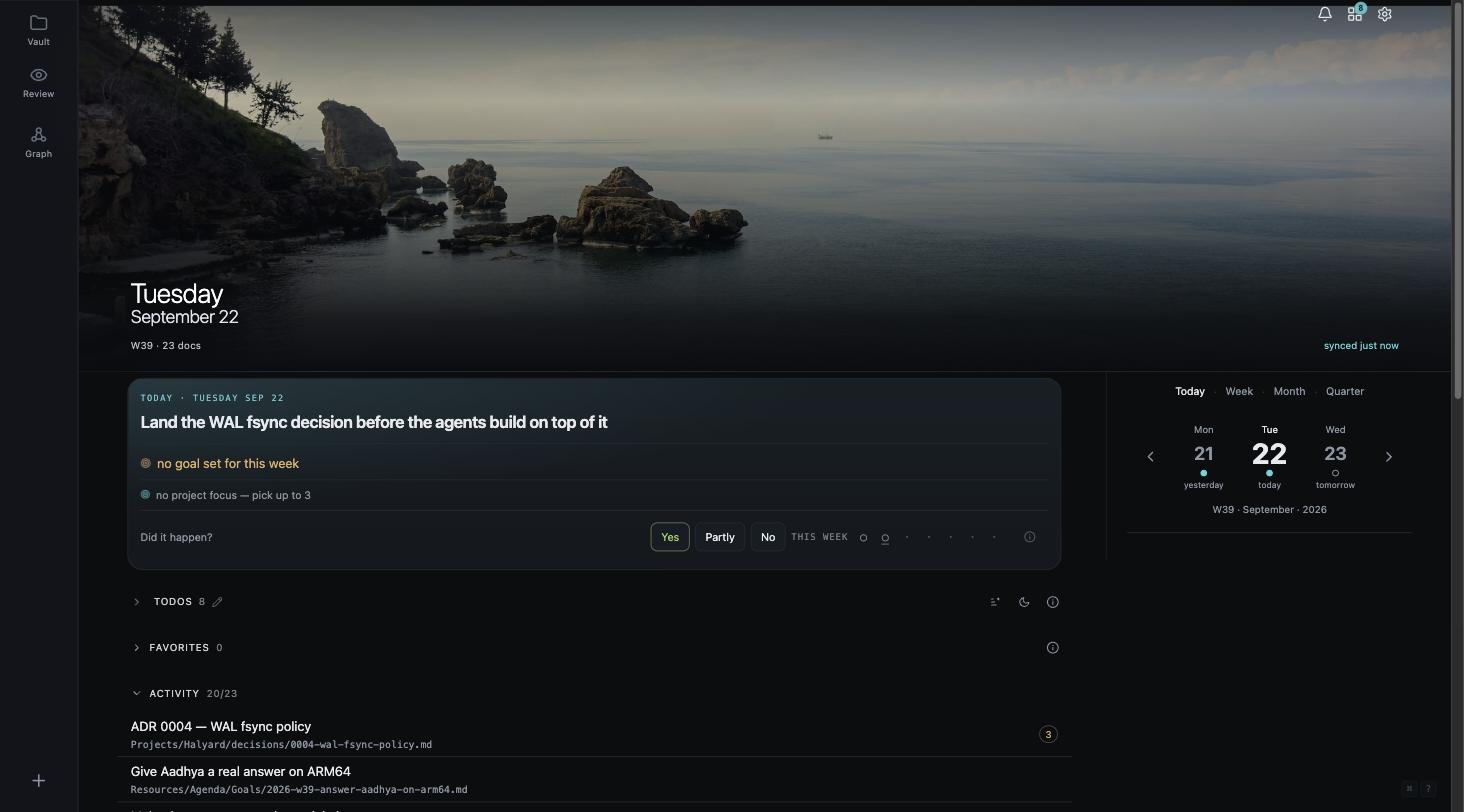
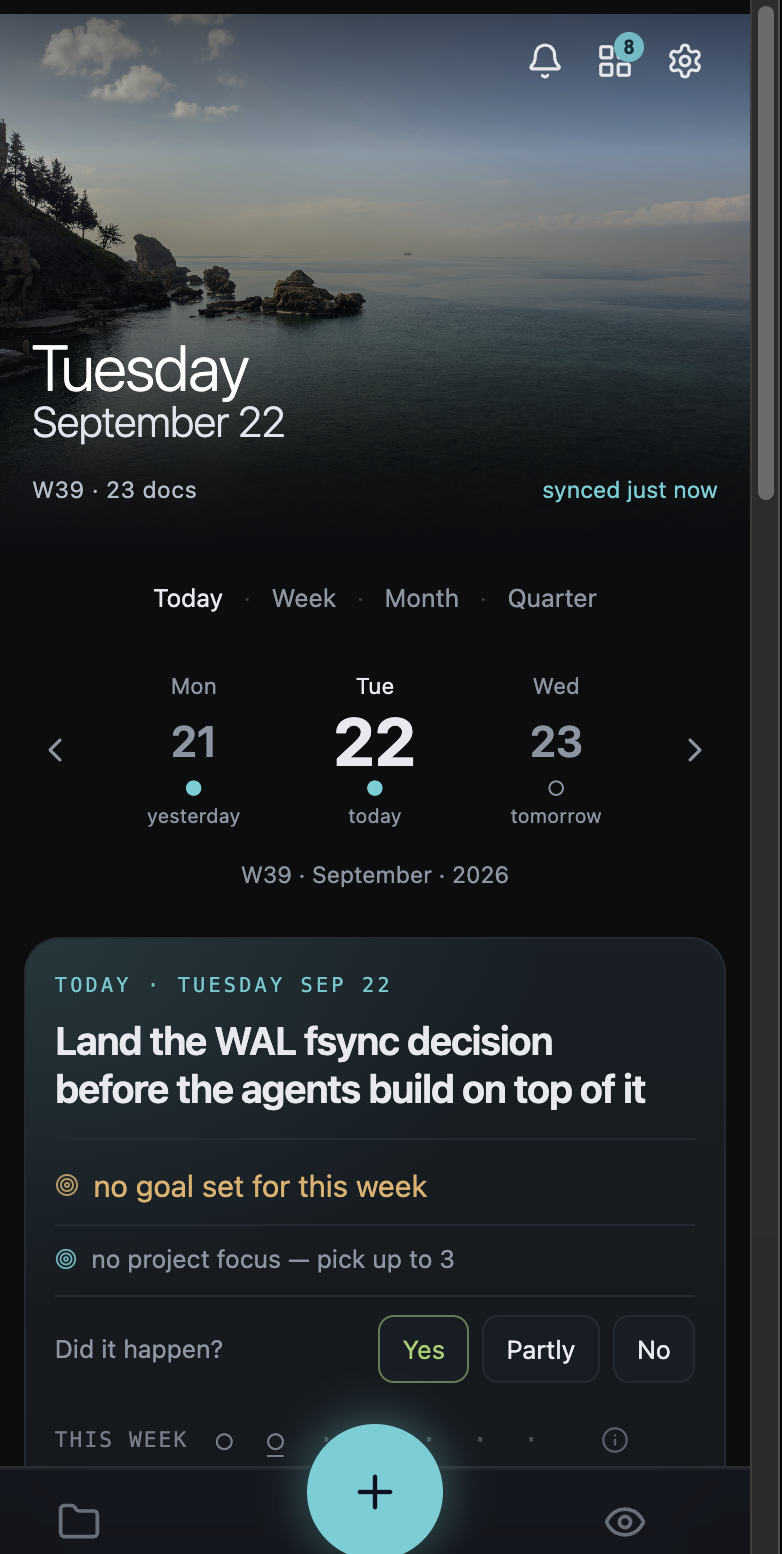
Home is the first screen you see. It shows the one thing that has to be true by tonight and the work in front of you, so you don't have to rebuild that from memory every morning.
02 · Quick Capture
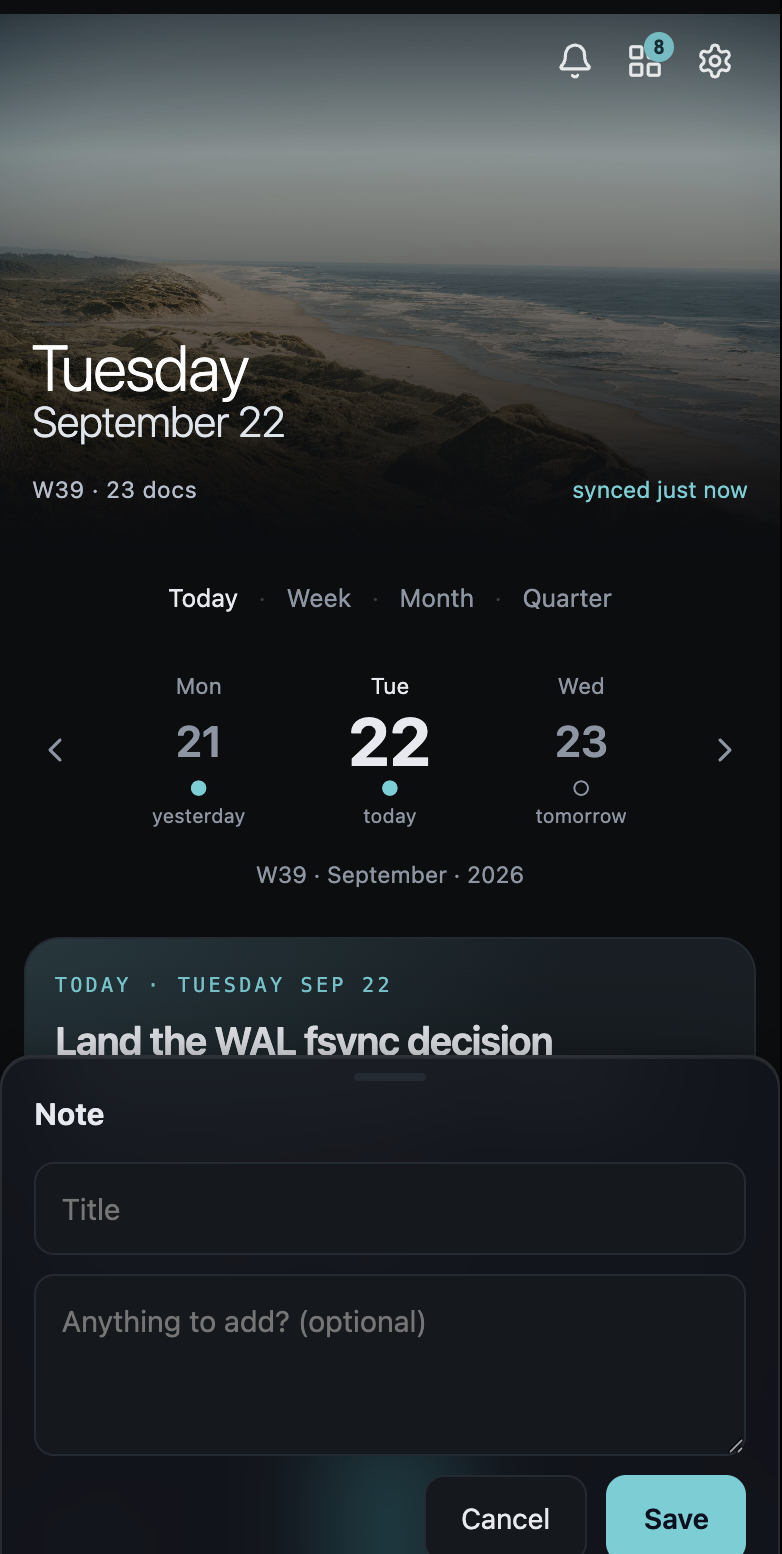
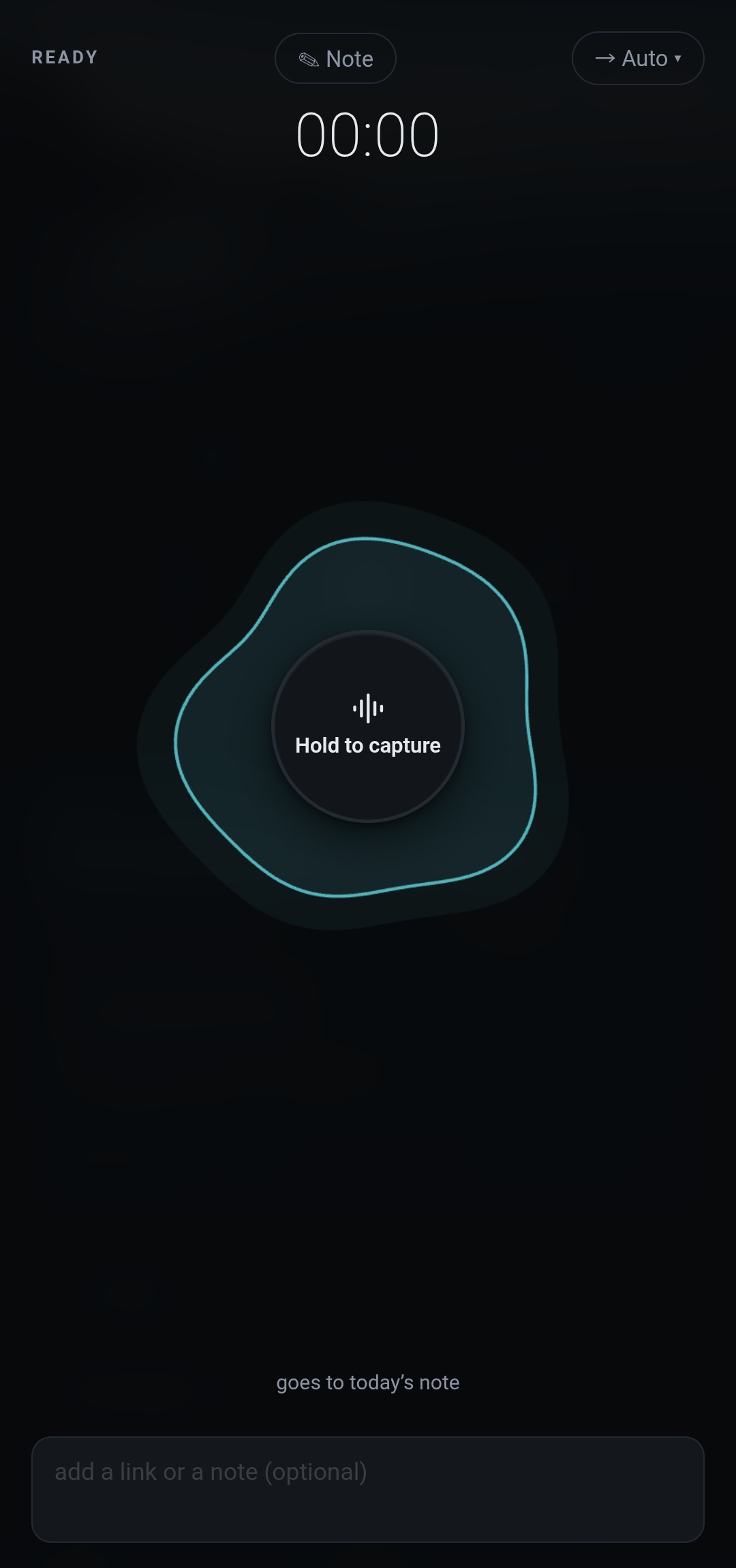
Well-kept context does nothing for you if it never got written down. The + is on every screen. Tap it for the mode you use most, hold it for the rest, and the note files itself.
collab <path> from a terminal.

03 · The bridge
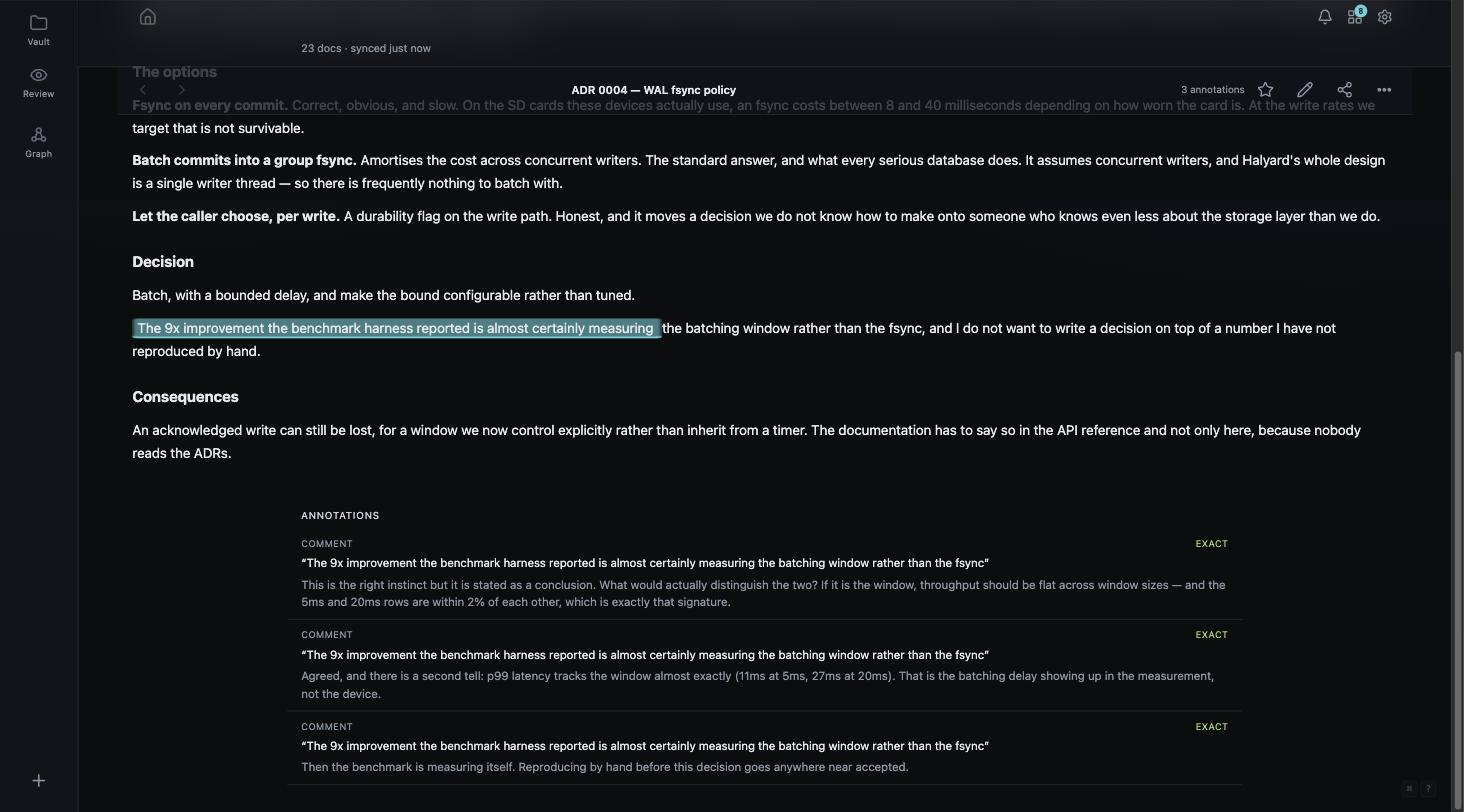
Your agents read the vault the way you do, live. What they write comes back to the passage it's about, so the conversation stays attached to the text instead of getting lost in a chat log.
@ in the thread and it answers right there, anchored to that text. Agents read your highlights and comments along with the prose.
A comment pinned to character positions is wrong the moment someone edits above it. One pinned to a quote is wrong the moment the sentence is rephrased. Collab re-resolves every anchor against the current text and says which happened: exact (still there), shifted (moved, re-found with lower confidence) or orphaned (gone, and the thread is kept and marked). It never quietly re-attaches a thread to whatever text now sits in that spot.
There's no acceptance gate on writes today. An agent with a token writes to the vault directly. What Collab gives you is that the write is stamped as the agent's and shows up for review. A gate is on the roadmap, and until it ships this page won't pretend otherwise.
04 · Review
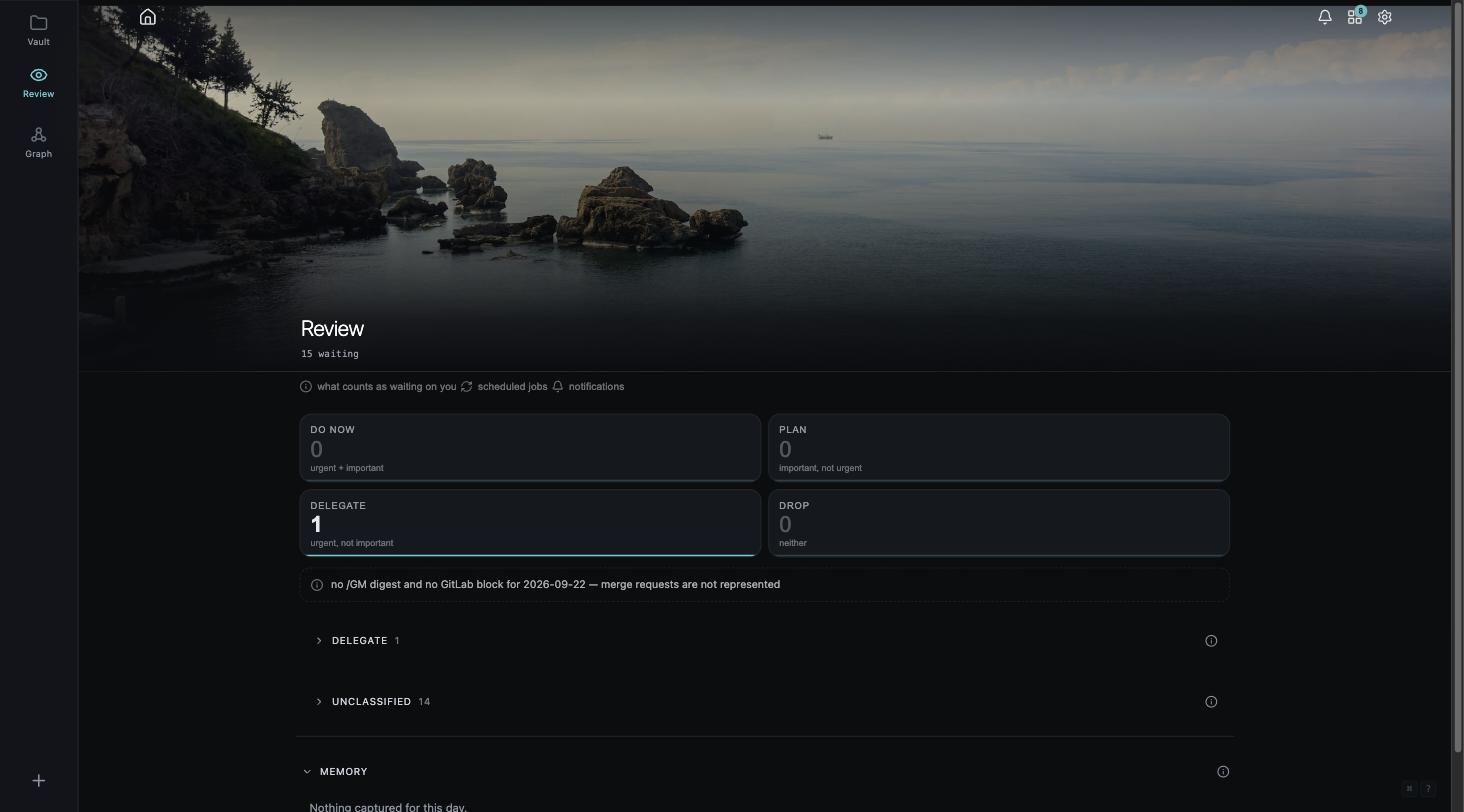
Making the work is no longer the hard part. Deciding on it is. Review puts everything waiting on you in one place, sorted by urgency and importance, with the evidence attached.
A small beta for people who keep a real corpus and already run agents against it.