If the transcription produces nothing usable, the note says so rather than inventing content. And if a recording never rose above the room, you get a discard prompt instead of a file full of nothing.
Capture
Where it lands is Collab's problem, not yours. There is no folder picker, because the moment you have to choose one you have stopped thinking about the thought.
Quick Capture +
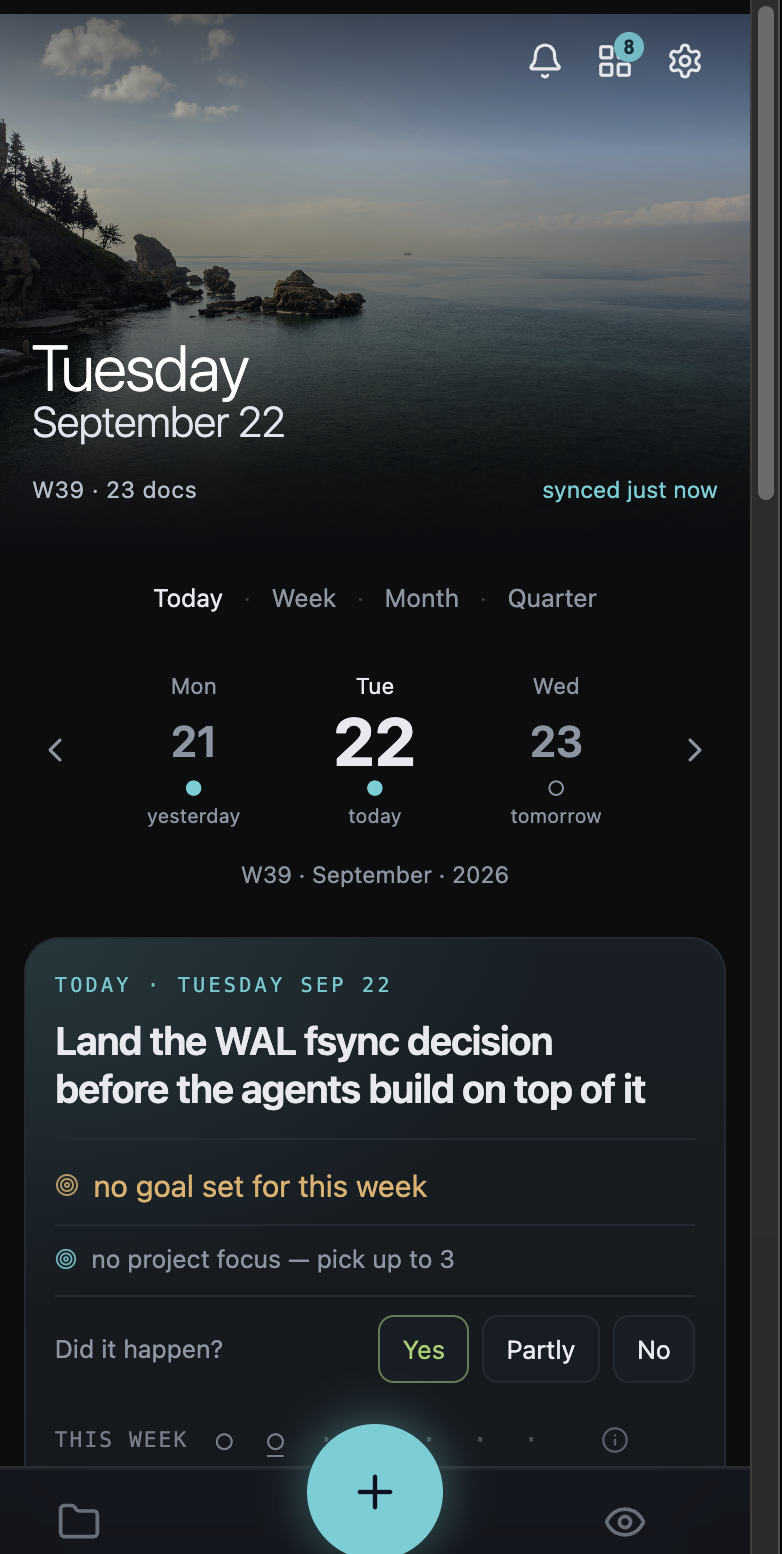
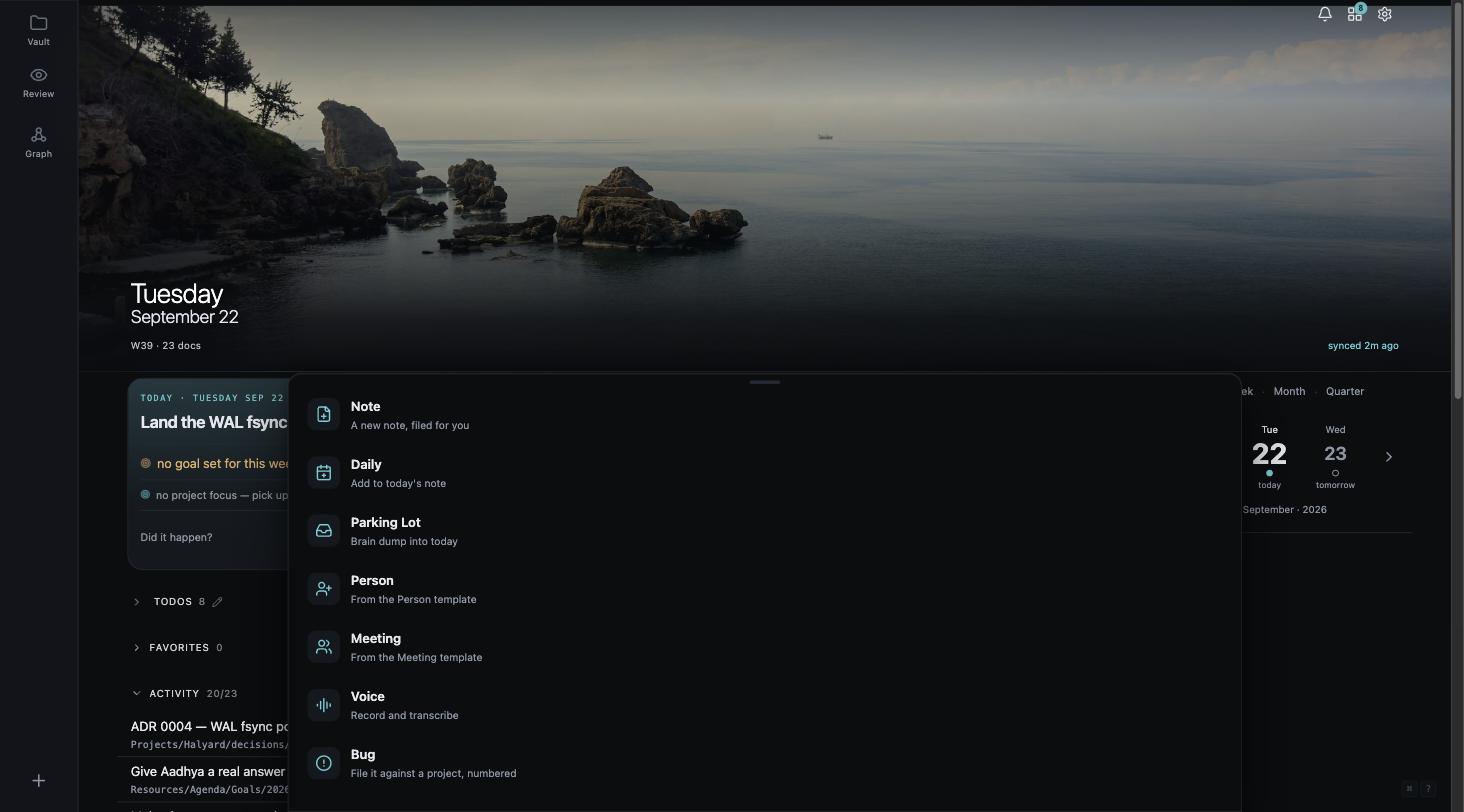
The Quick Capture + sits in the bottom bar on the phone and bottom-left on the desktop, on every screen. It opens over whatever you were looking at — you never leave where you were.
Set the tap to whichever mode you are capturing in at the moment. If today is a voice day, tap records. If you are working through a meeting, tap opens a meeting note. Hold for the full set — and the one you reach for most needs no choice at all.
Hold, and every kind is one tap away — each saying where it goes rather than making you remember. Seven ship; which are enabled, their order, and what a plain tap does are all yours.


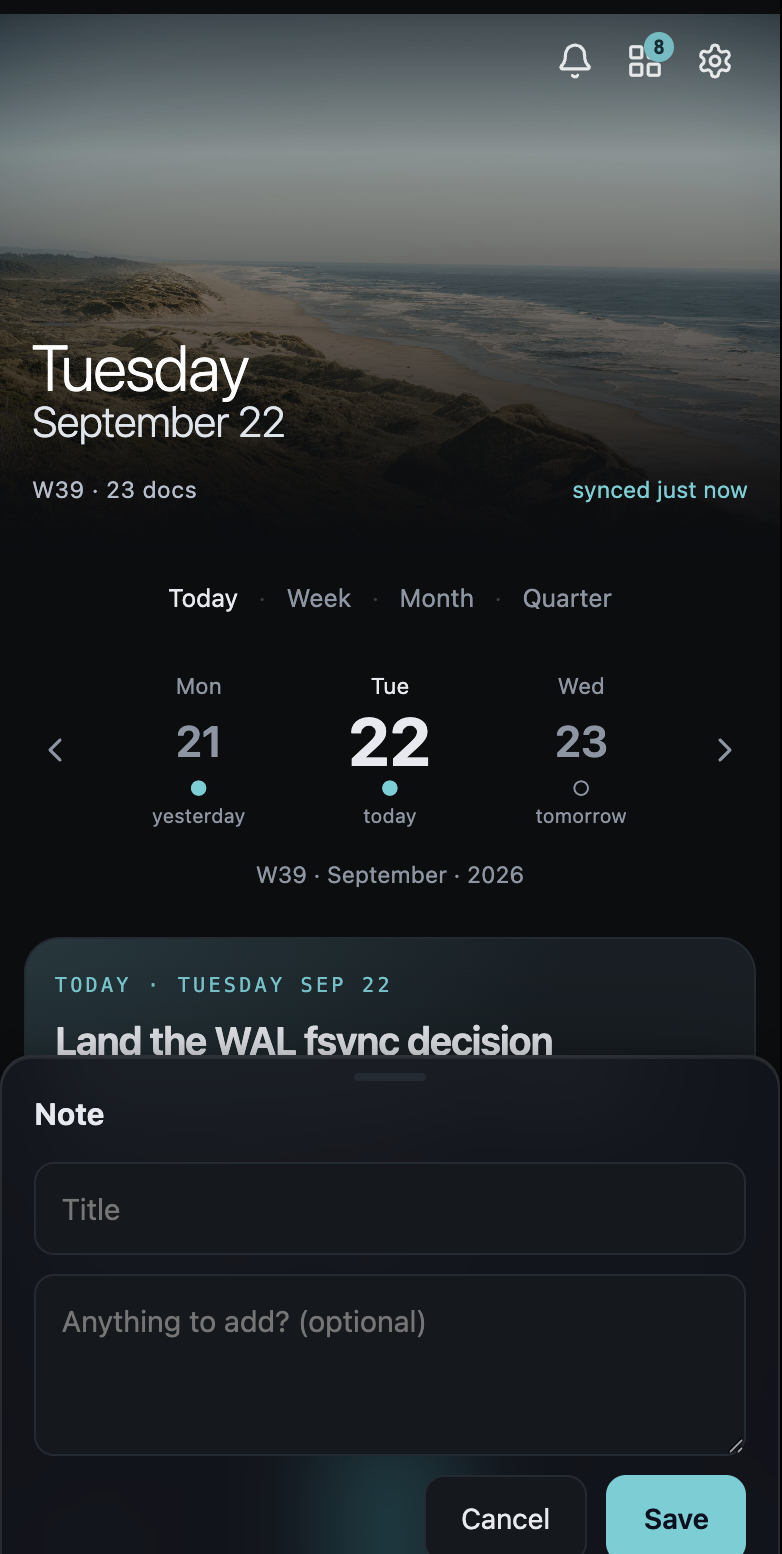
And the sheet a tap opens. Deliberately small — a kind, a title, and one box marked optional, so leaving it empty does not feel like an unfinished form. A title alone is a complete capture.
Voice
The recording is transcribed, summarised, titled and filed into today's note with a link back to the audio. Then it tells you where it landed, and you can tap through to that day.


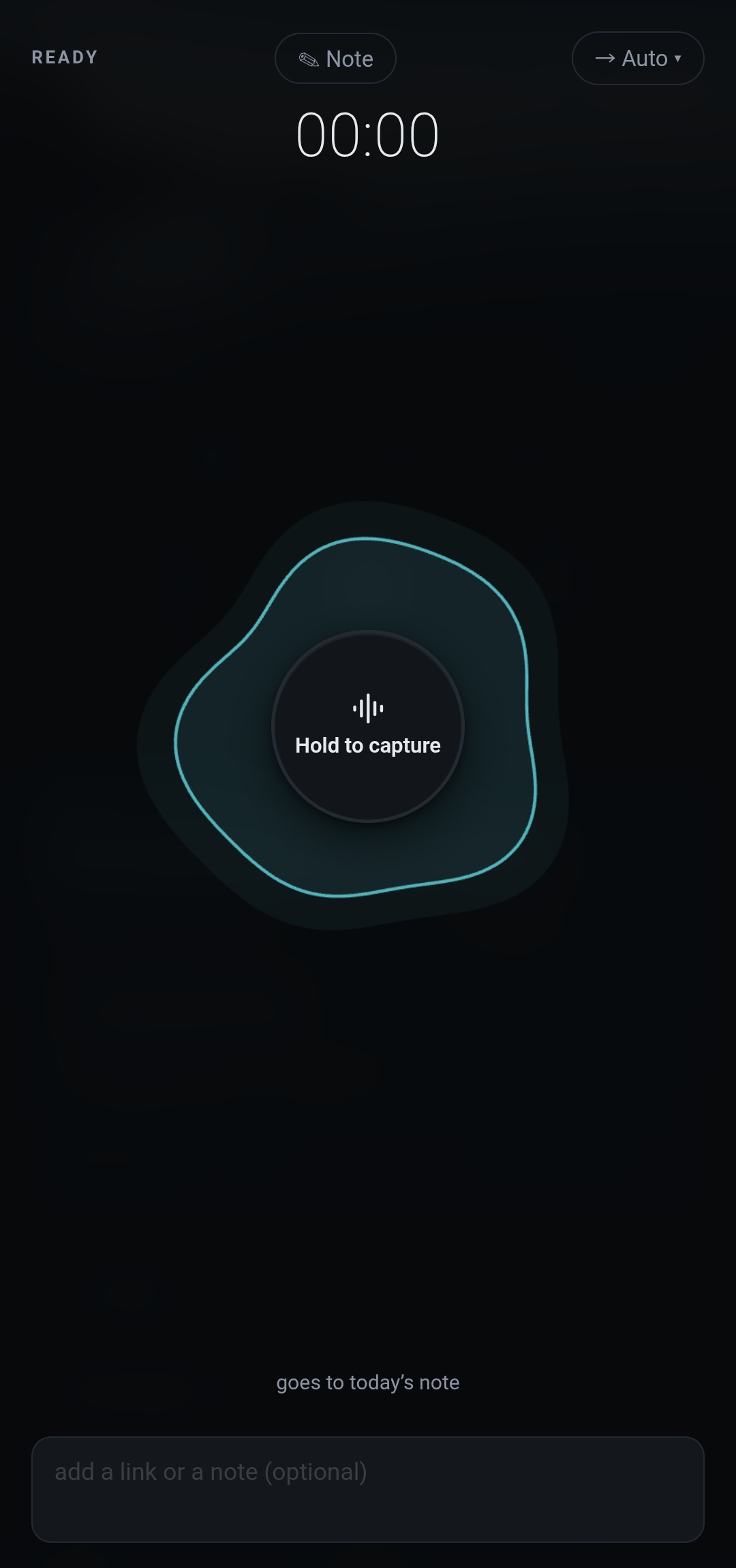
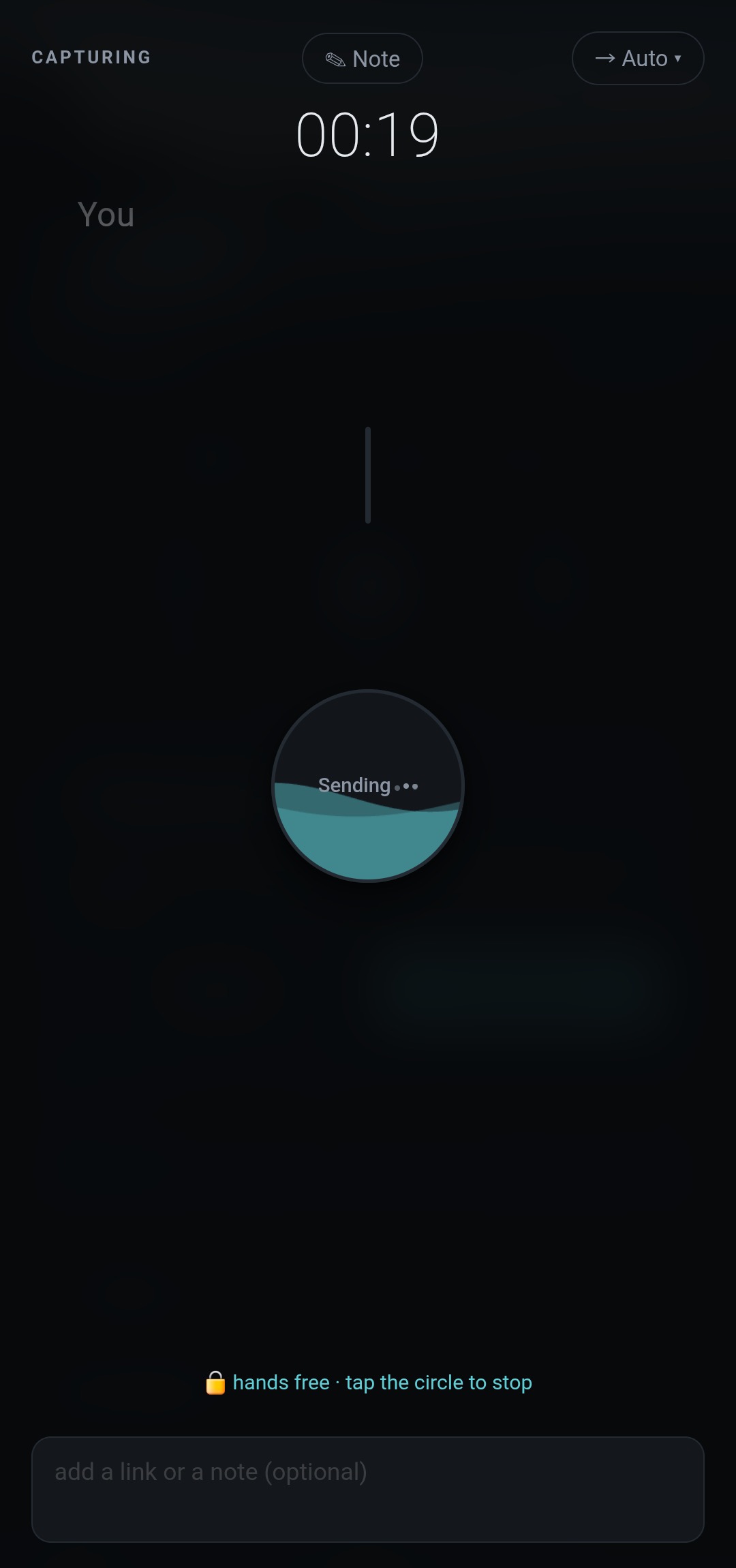
Ready, and mid-capture. The destination chip reads Auto, the kind reads Note, and the line under the button tells you where it is going before you start talking — goes to today's note.
If the transcription produces nothing usable, the note says so rather than inventing content. And if a recording never rose above the room, you get a discard prompt instead of a file full of nothing.
Hold to record, or slide up to lock it hands-free and keep talking. The destination chip is sticky and travels with the job, so the next one goes where the last one did.
When the job finishes you are told which note it landed in, and you can tap straight through to that day. A capture you cannot find again is not a capture.
Routing
No dropdown, no second screen. The first characters of the line are the instruction, because you already type them out of habit.
From outside the app
Share a link or a piece of text from any app on the phone and it arrives as a capture. No copy-paste, no switching to Collab first.
Dictate straight from the watch. It has LTE and posts on its own — no phone in the loop, no third-party recorder, no cloud-drive hop in between.
collab <path> opens a file the way code does. With no terminal attached it prints the URL instead — so an agent that just wrote something can hand a human the link.
# open a note in the app collab Projects/halyard/decisions/0004.md # no TTY — prints the URL instead of stealing focus, # which is what an agent or a CI job actually wants collab --print draft.md
Interactive opens a browser; piped, redirected or headless prints. --print and --open force either way.
Not yet
Listed because a features page that only lists wins is a sales document, and because these are the three people most often assume are already there.